
Three new apps for FlickOS, free for now
Three apps made for FlickOS are now in the FlickOS apt repository. They are free of charge for now. They aren’t installed by updates, so you choose which ones you want.
Notes
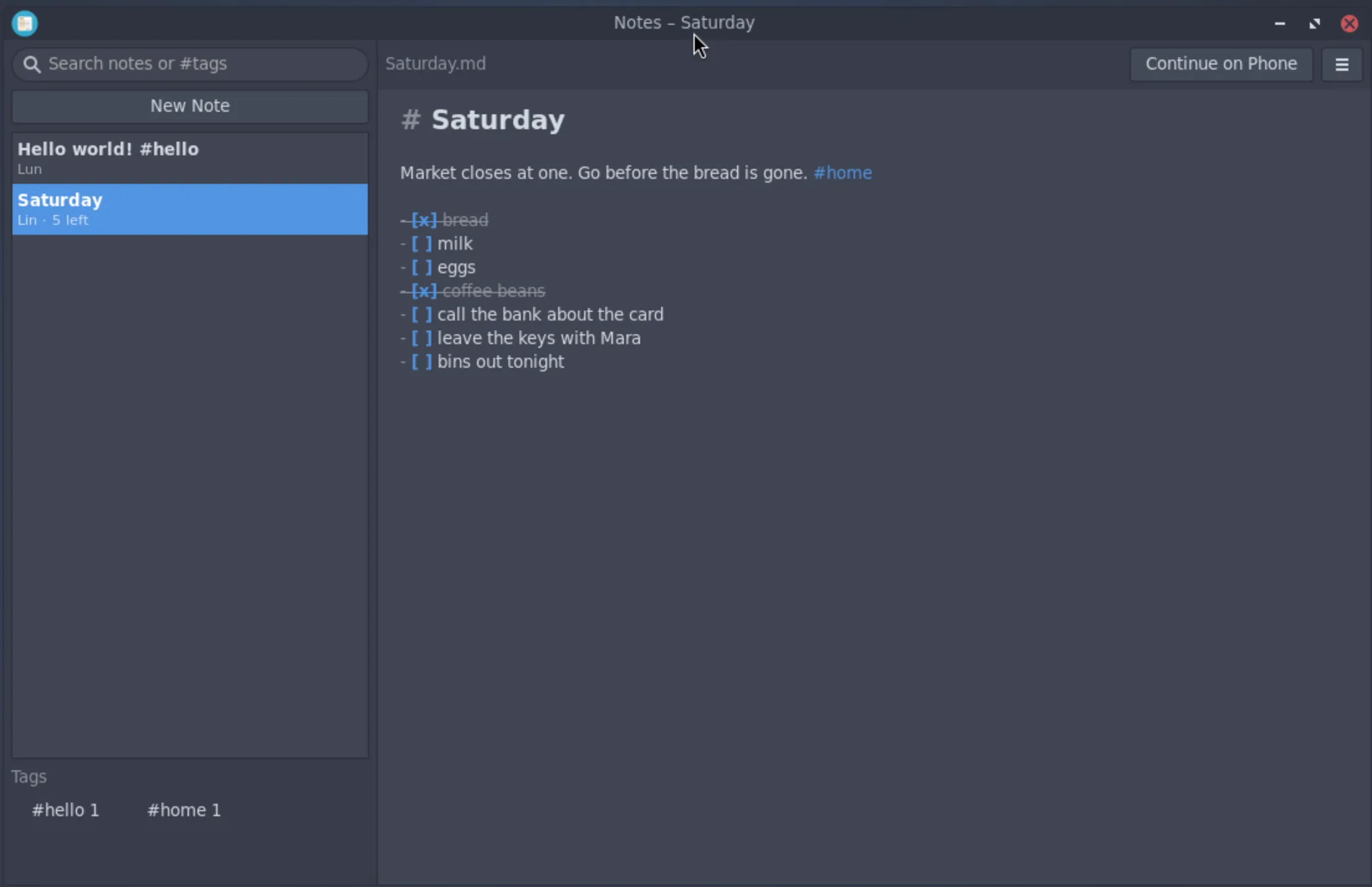
Notes and checklists. Tag a note with #words in its text and find any note by its words or tags. Every note is a plain Markdown file in Documents/Notes, so any editor, backup or sync tool can use it. Typing is saved as you go.
sudo apt install flickos-notesWrite
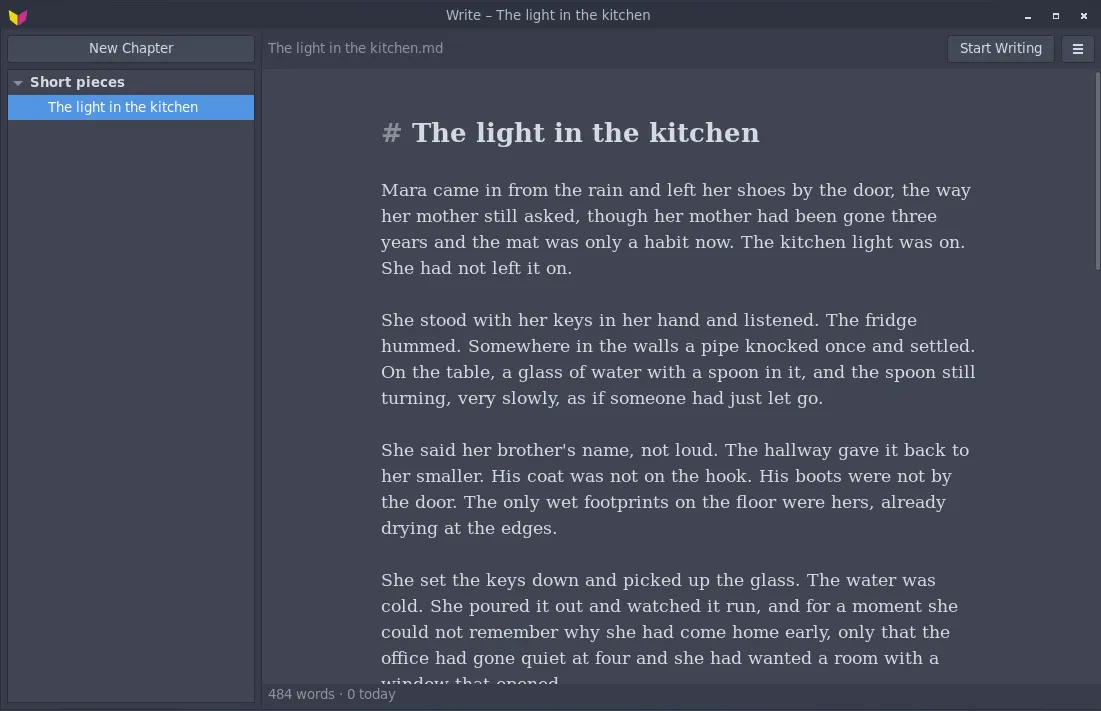
A quiet place to write books, stories and letters. A folder is a project and its Markdown files are the chapters. A writing session fills the screen and holds back notifications, and a daily goal counts the words you wrote today.
sudo apt install flickos-writePhone Screen
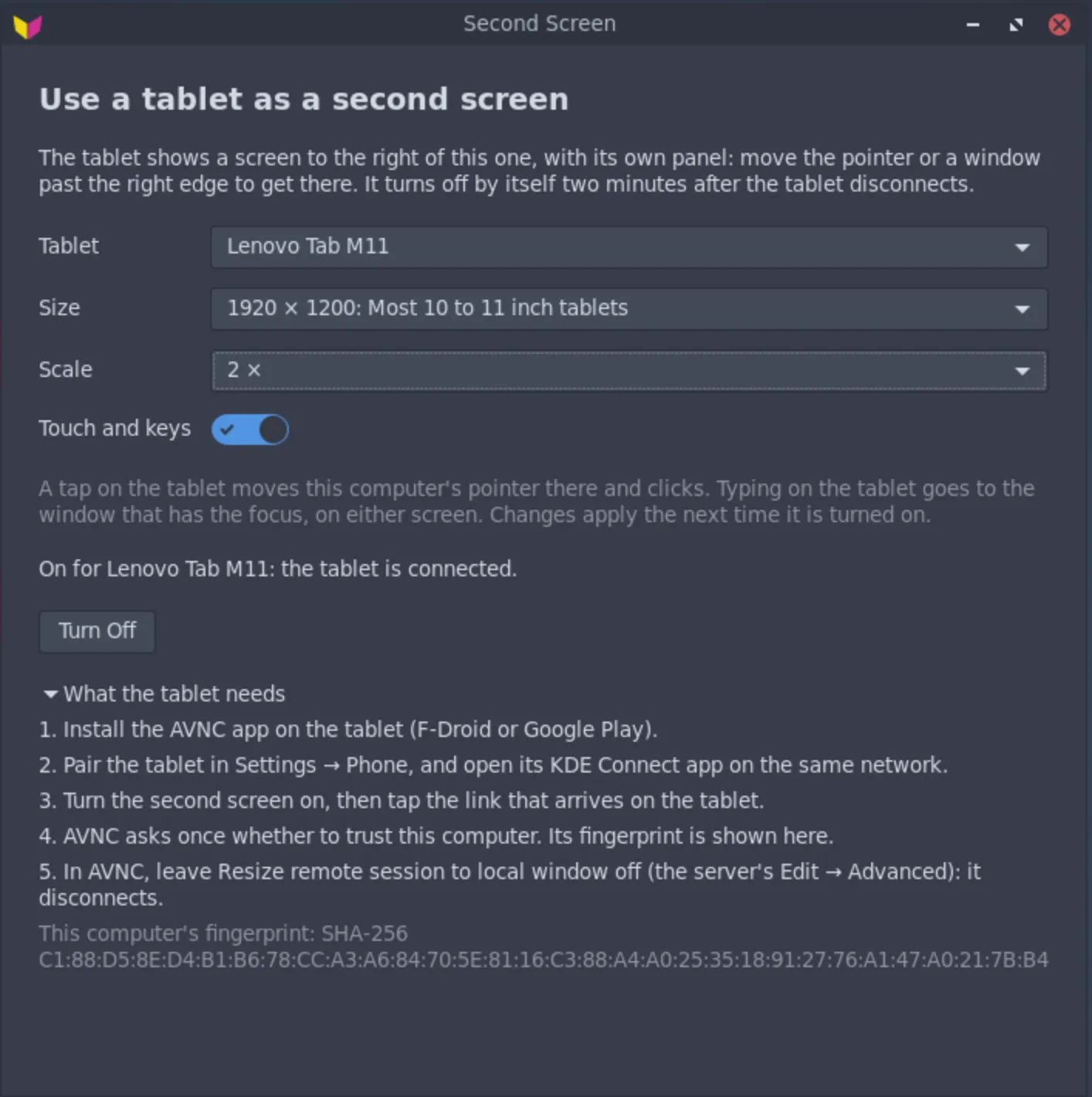
A tablet can become a second screen for your computer through the AVNC app. It needs Phone turned on in Settings.
sudo apt install flickos-phone-screenYou can also find all three in the Software app. Once installed, they update with the rest of FlickOS.
Free for now, and yours to keep. These apps are not open source, and some may be sold later to help pay for FlickOS. Any version you install free of charge keeps working for good, with no key and no time limit. The FlickOS desktop itself stays free and open source.
They are new, so please report anything that goes wrong.